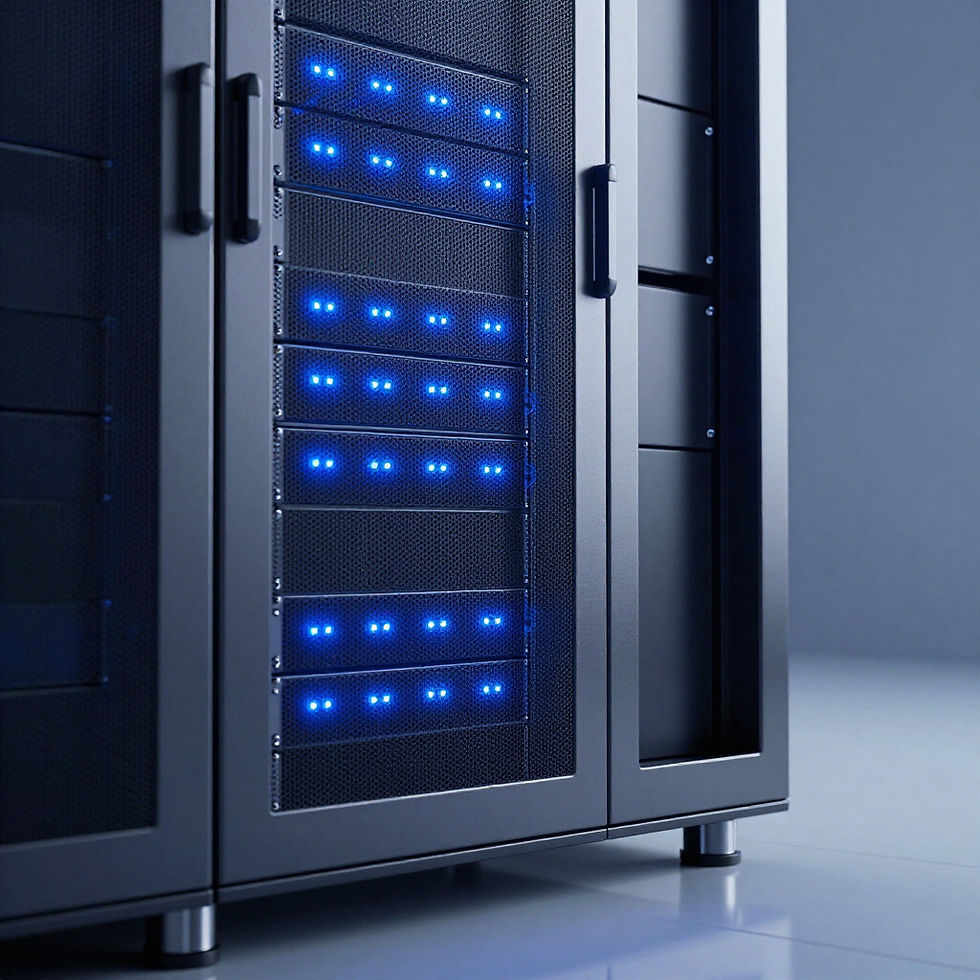
24/7 Monitoring
Proactive oversight to identify and resolve issues before they impact your operations.
Support Services Overview
We offer a comprehensive suite of support operations designed to maintain the stability and security of your IT environment. Our proactive approach includes 24/7 monitoring, rapid incident response, strategic change management, and seamless technical onboarding.
Incident Response
Rapid, expert intervention to minimize downtime and maintain security integrity.
Change Management
Strategic planning and execution of system updates to ensure stable transitions.
Onboarding
Seamless technical integration and training for new systems and team members.
How to Get Support
STEP 01
STEP 02
STEP 03
Submit a Ticket
Triage & Assignment
Resolution & Follow-up
Initiate your request instantly through our secure client portal or by sending a detailed email to our support team.
We assess the severity and technical requirements to ensure your request is assigned to the most qualified Amalfi specialist.
After resolution, we perform quality checks and follow-up to verify your systems are secure and performing optimally.
Frequently Asked Questions
Find quick answers to common support-related questions regarding our specialized IT managed services and partnership protocols.
What is your standard response time for critical issues?
Critical support requests are triaged immediately upon submission. Our global team aims to acknowledge and begin stabilization measures within a 15-30 minute window for high-severity incidents.
Do you provide after-hours or emergency support?
Yes. Our network operations center provides 24/7 proactive monitoring and emergency intervention. Urgent matters after standard business hours are routed to our on-call engineering team for immediate attention.
How are support tickets prioritized?
Tickets are categorized by severity levels: Critical (total outage), High (major degradation), Normal (limited issues), and Low (general inquiries). This allows us to allocate resources where business impact is highest.
What information should I include in a support ticket?
To expedite resolution, please include a clear summary, the specific error message (if any), the number of users impacted, and screenshots of the issue. A brief description of the steps taken prior to the error is also helpful.
How do I track the status of my active request?
Clients can access real-time status updates through our secure customer support portal. You will also receive automated email notifications whenever an engineer adds a comment or updates the ticket status.